
Linear Integration
Stop pasting bug reports
into Linear.
Bug captured. Linear issue assigned. Cycle moves on.
JotGo plugs into Linear so engineering teams can spend less time chasing context and more time shipping. Every issue arrives mapped, attributed and ready for the next cycle.


See It In Action


Why It Matters
Engineers shouldn't be reverse-engineering bug reports. When a Linear issue lands without screenshots, environment data or repro steps, the cycle slows for everyone, from discovery through triage to fix and review.
JotGo wires capture and Linear together so reporters never type metadata twice. A High in JotGo becomes Urgent in Linear, the right project gets the issue and your custom workflow rules apply by default.


What You Get
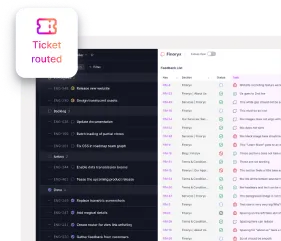
Issues route to the right project
Pair each JotGo project with its Linear counterpart so engineering teams only see what belongs in their cycle.
Your priority rules your way
Configure Issue Type, Status and Priority once. Every JotGo bug arrives in Linear with the labels engineering team already trusts.
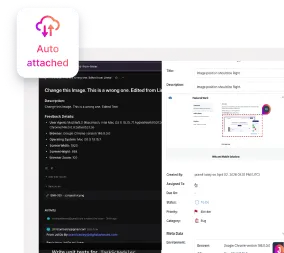
Visual proof, attached automatically
Screenshots, recordings and full environment metadata travel with the issue. No follow-up questions, no missing repro.
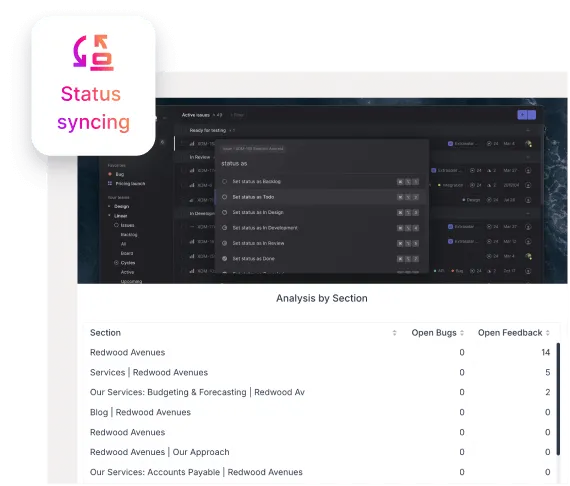
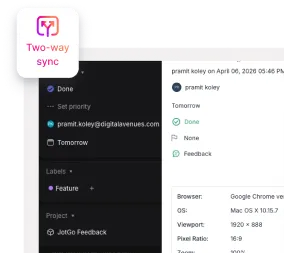
Updates flow both ways in real time
Move an issue to Done in Linear and JotGo reflects it. Tweak the title, due date or assignee in JotGo and Linear stays in sync.

Pro tip:
Want to enrich the issue beyond the basics? Open Add More Info during capture to attach Expected Results, an Assignee or a Category before the issue ever leaves the browser extension.
How It Works
Step 1. Connect
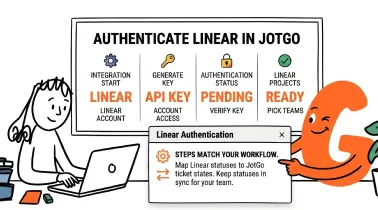
Authenticate Linear in JotGo
Open the Integrations page, sign in to Linear and pick the projects you want connected. Field mapping takes a few clicks.
Step 2. Capture
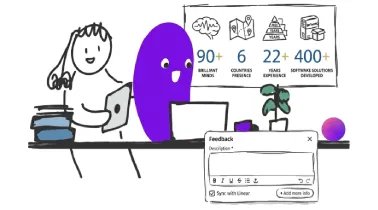
Capture from the extension or canvas
Spot something off on a live site, in staging or inside the JotGo canvas. One submit creates the issue in both tools.
Step 3. Find it
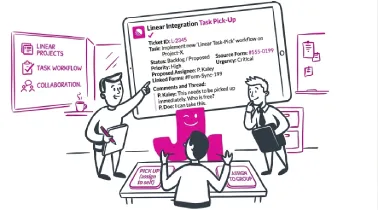
Pick up the issue in Linear
Engineering team opens a fully formed Linear issue complete with title, description, priority, metadata and visual attachments, ready for the next cycle.

Get Started with JotGo
Your next sprint deserves better bug reports.
Try JotGo free for 14 days. No credit card required.