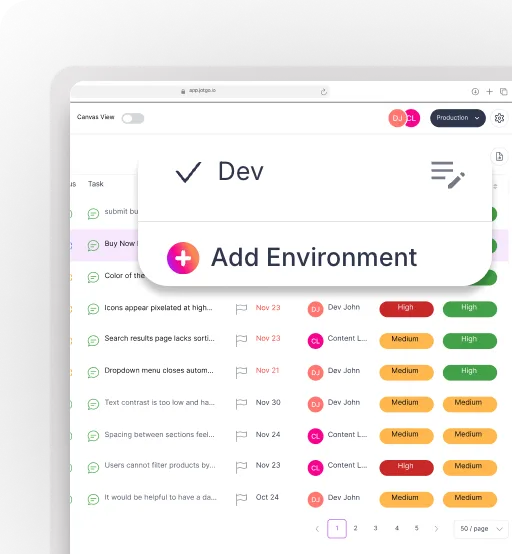
Report bugs visually and effortlessly.
Capture bugs and feedback instantly — with full clarity.
Give users, QA testers, and internal teams the fastest, easiest way to report issues with screenshots, videos, and automatic technical context.


One-Click Capture
One-click capture that eliminates guesswork.
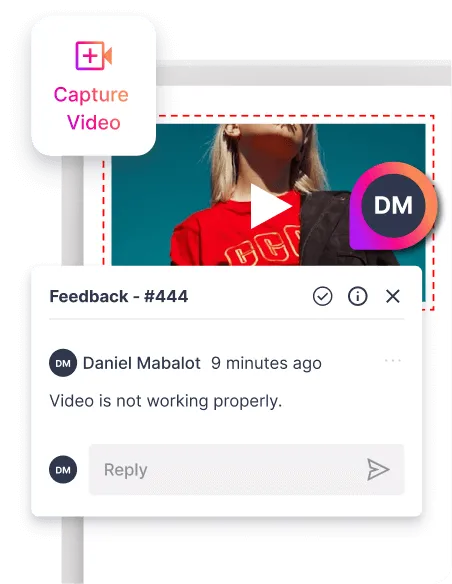
Take screenshots, record your screen, or snap a quick video — all in a single click. JotGo automatically captures the visual and technical context so you don’t have to ask users for more details later.
Screenshot capture with annotation
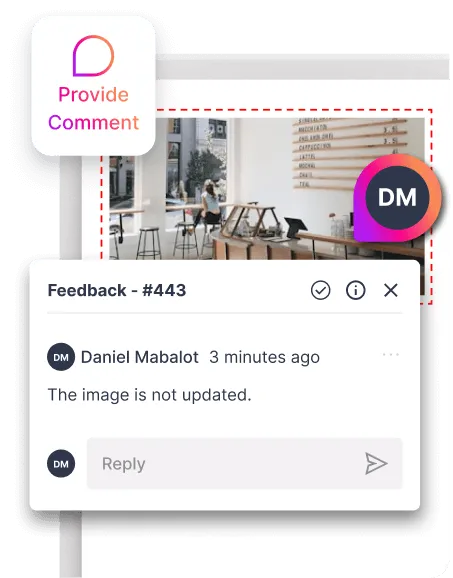
Short screen recordings with audio
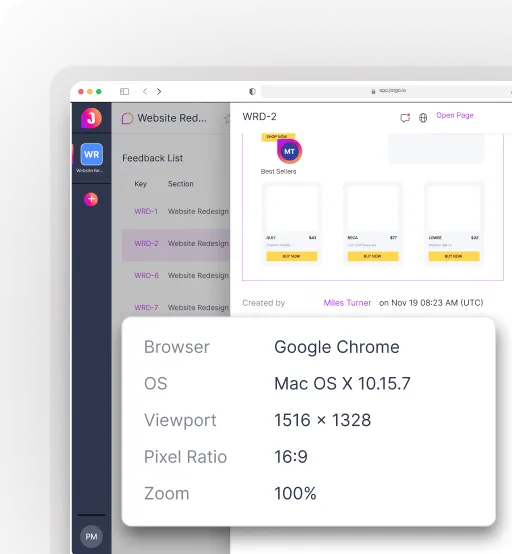
Auto-attached URL, device, browser, OS
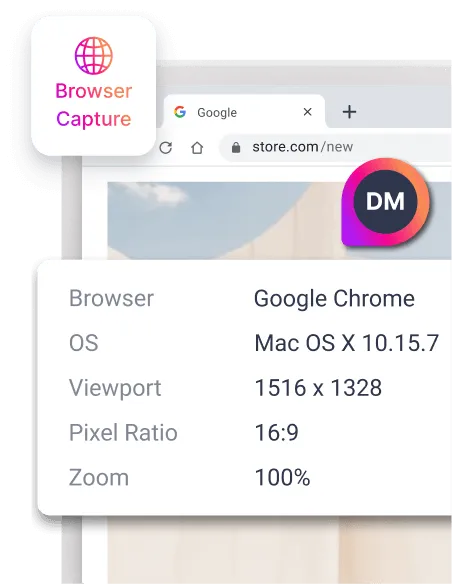
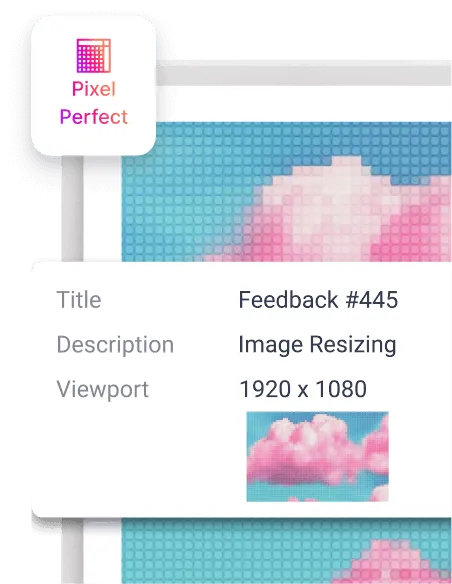
Pixel-perfect viewport data
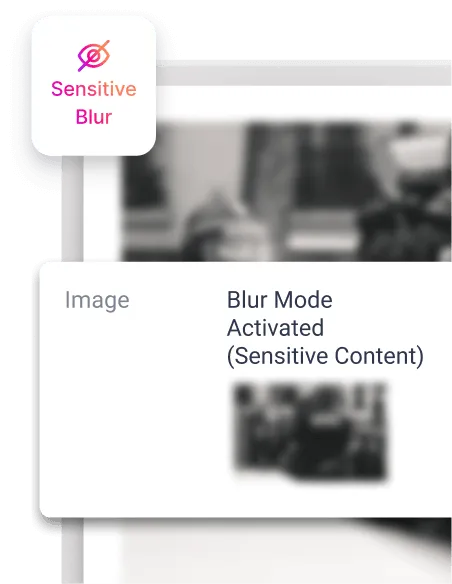
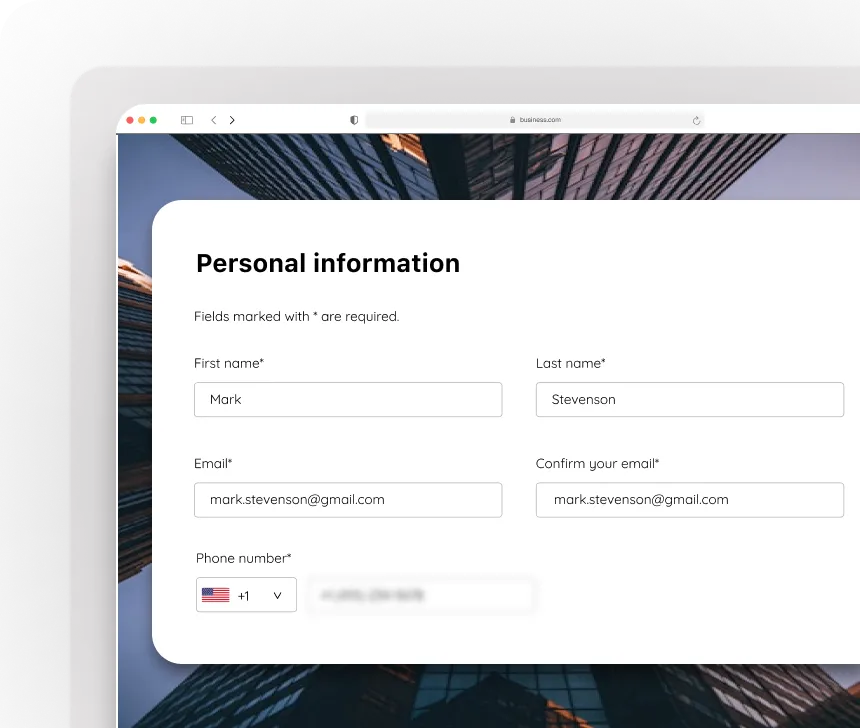
Blur sensitive information
Smart Annotations
Explain visually — fast.
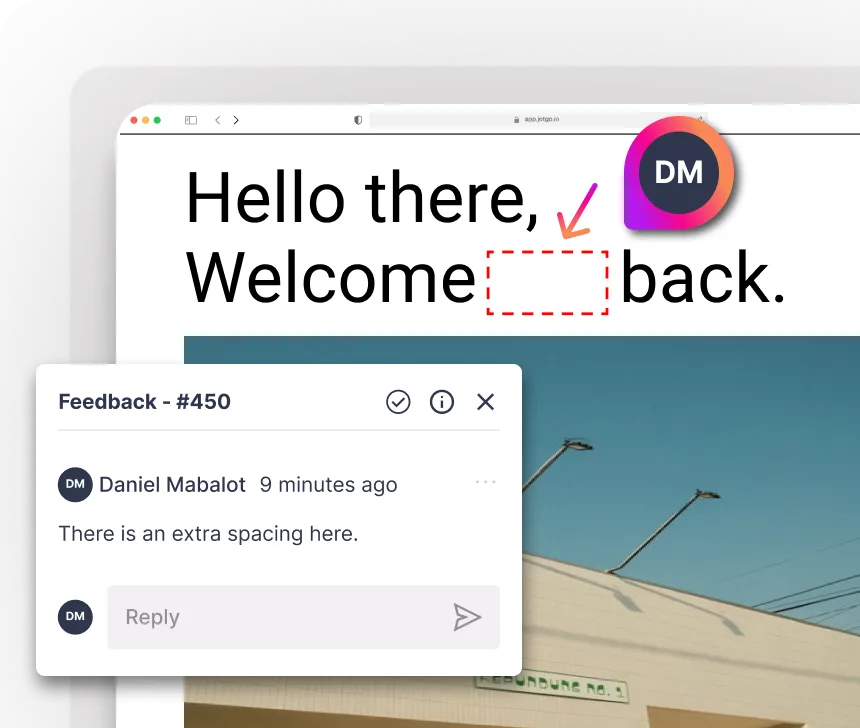
Mark issues with arrows, highlights, boxes, or freehand drawings. Annotate directly on the screenshot or video frame so reports are immediately actionable.
Arrows, Shapes & Highlight Tools
Blur Mode for Sensitive Content
Color-coded Markup
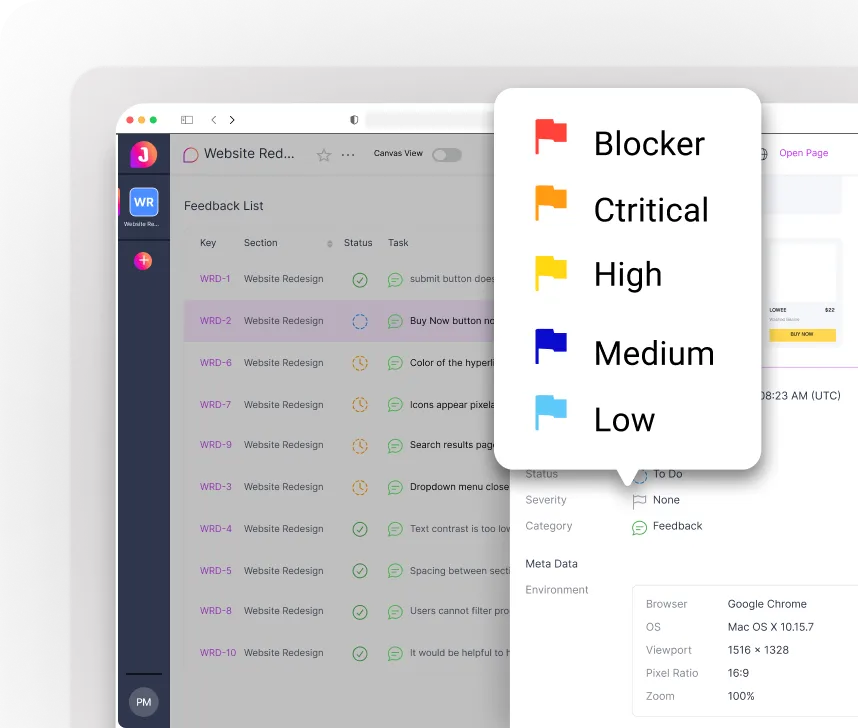
Auto Time stamping
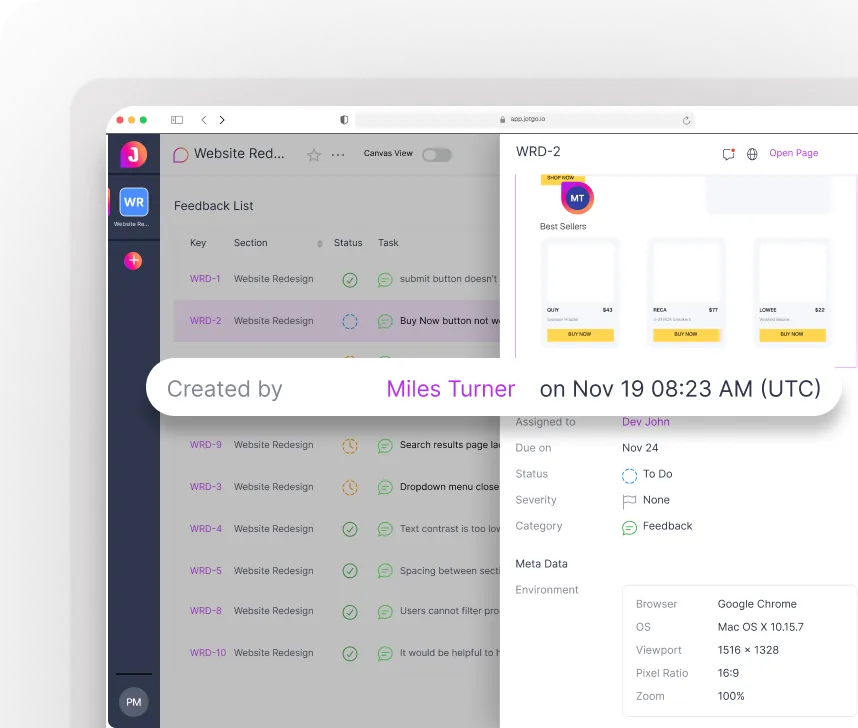
Context Capture Engine
Every detail engineers need — captured automatically.
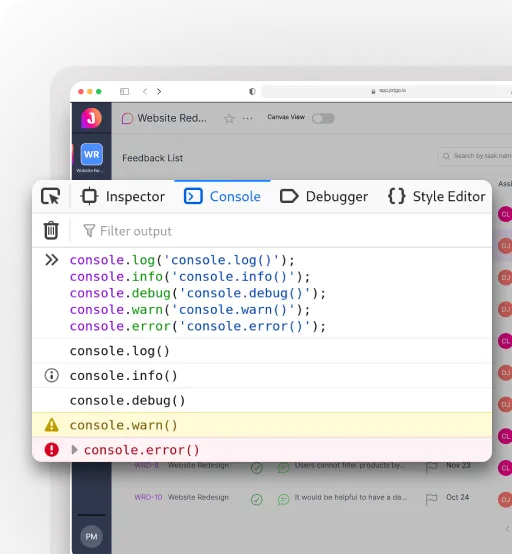
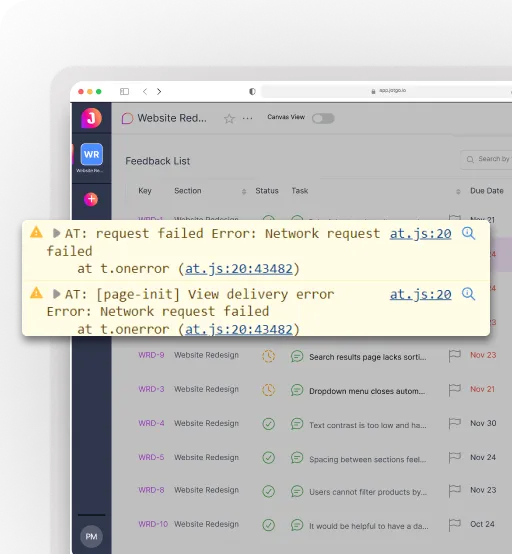
JotGo collects console logs, network errors, environment metadata, and more behind the scenes so developers get everything needed to reproduce and fix issues.
Console & Browser Logs
Failed Network Requests
System Metadata (OS, GPU, Device Model)
Environment Tagging (Staging, Production, Branch)