
Jira Integration
No more "Is this fixed yet?" messages.
Bug reported. Jira ticket created. Done.
JotGo connects to Jira so every bug your team captures lands in the right backlog, with full technical context attached. Your engineers start fixing, not asking.


See It In Action


Why It Matters
Nothing stalls a sprint like a ticket missing half its information. Developers go back to QA, QA goes back to the reporter and a simple bug sits open far longer than it should.
JotGo captures everything at the moment the bug is found: browser, OS, screen recording, reproduction steps. It maps straight into your Jira configuration. A Critical Bug in JotGo arrives as a High Priority Bug in Jira, in the right project with all fields already set.


What You Get
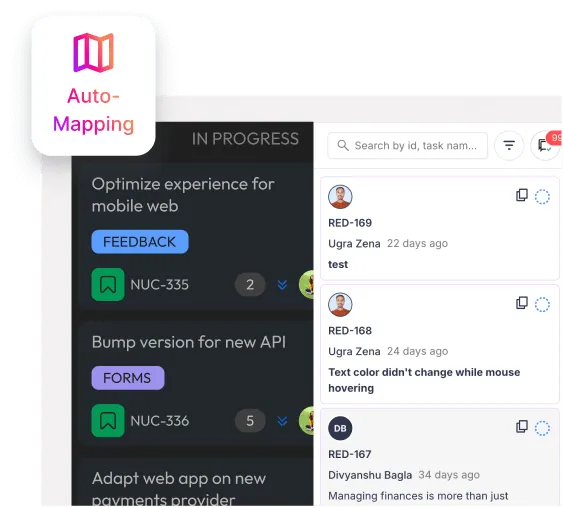
Tickets land in the right place
Link specific JotGo projects to specific Jira backlogs. Feedback never ends up in the wrong queue.
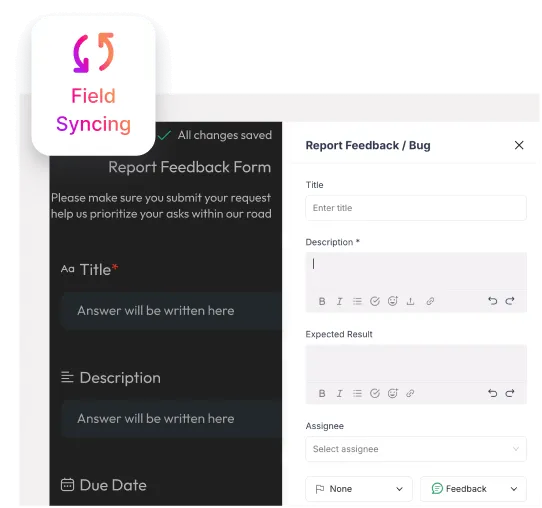
Fields map to your setup
Match JotGo's issue types, statuses and priorities to your Jira configuration once. Every ticket after that is consistent.
Every bug, fully loaded
Screenshots, screen recordings, browser and OS details are all attached automatically. Developers get what they need before they ask.
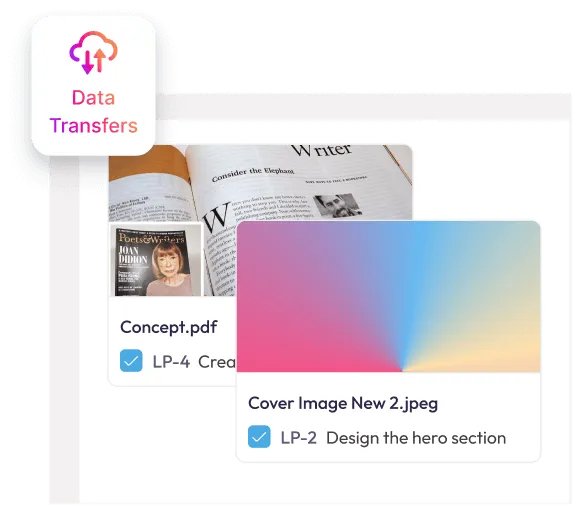
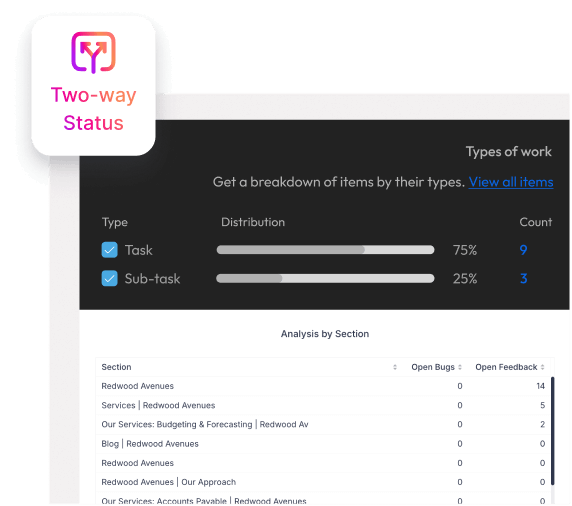
Two-way sync, always on
An engineer marks a ticket Done in Jira and JotGo updates. A status change in JotGo and Jira reflects it. One source of truth, no manual updates.

Pro tip:
Need more control? Use Add More Info during capture to set assignees, expected results or custom fields without leaving the browser extension.
How It Works
Step 1. Connect
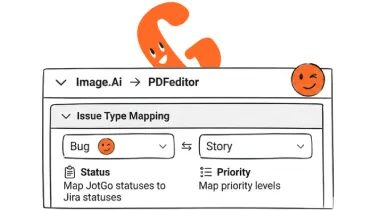
Connect and map your projects
Authenticate your Jira account in JotGo's integrations dashboard, link your projects and field settings. Takes under two minutes.
Step 2. Capture
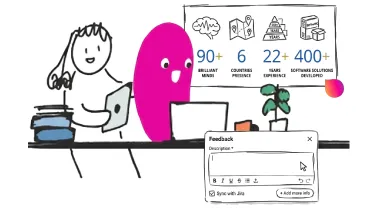
Capture the bug, anywhere
Use the browser extension on any live site or report from the JotGo canvas. One click records everything and submits to both platforms at once.
Step 3. Find it
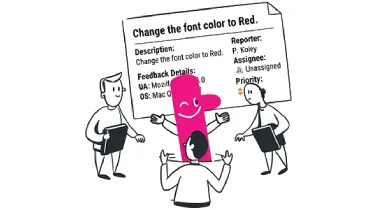
Find it in Jira, ready to go
A fully-formed ticket appears in the right project with title, description, priority, metadata and attachments already in place.

Get Started with JotGo
Your next sprint deserves better bug reports.
Try JotGo free for 14 days. No credit card required.