
Why UAT Matters More Than Most Teams Realize
By the time a feature reaches UAT, it's already passed unit tests, integration tests and QA. So why does UAT still catch bugs?
Because QA tests whether the software works. UAT tests whether it works for people.
A checkout flow can pass every automated test and still confuse first-time buyers. A dashboard filter can function perfectly and still not surface the data a product manager actually needs. That gap between technically correct and genuinely usable is exactly what UAT is designed to close.
Skip it and you're shipping blind.
What is UAT in Software Testing?
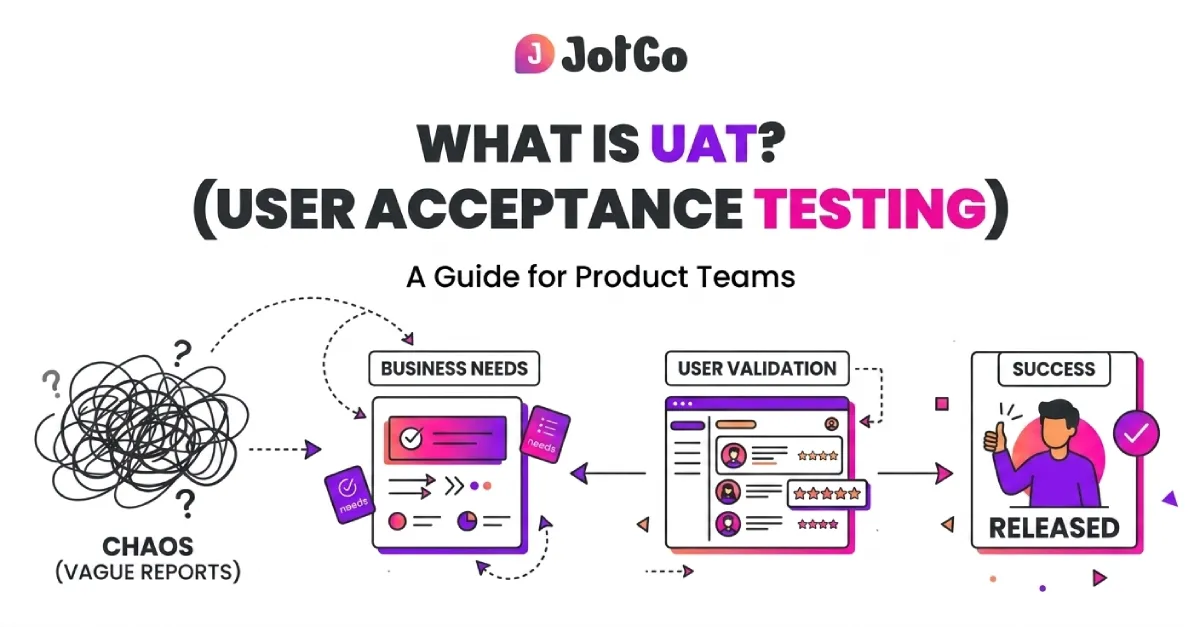
UAT stands for User Acceptance Testing. It's the phase where the intended users of a system test it against real-world scenarios to confirm it meets agreed acceptance criteria.
In software development, UAT typically happens after QA testing is complete and before production deployment. It's the final gate before launch.
There are a few common types:
- Alpha testing conducted internally, usually by a select group within the company
- Beta testing conducted externally, by a subset of real end users
- Contract acceptance testing validates that the software meets contractual obligations
- Regulation acceptance testing confirms compliance with legal or industry standards
For most product teams, UAT means getting real users or business stakeholders into a staging environment, running structured test scenarios and collecting their feedback before the release goes out.
What's the Difference Between UAT and QA Testing?
This is one of the most common points of confusion in product teams and it's worth being direct about.
QA is about catching defects. UAT is about confirming the product is actually fit for purpose.
Both matter. Neither replaces the other. Teams that conflate the two tend to either ship broken software or ship software that nobody wants to use.
What Does a UAT Process Look Like Step by Step?
UAT isn't just "let users poke around and see what breaks." Done well, it's a structured process with defined inputs and outputs.
1. Define acceptance criteria: Before testing starts, document exactly what "done" looks like. What business requirements must the software satisfy? These criteria become the benchmark for pass/fail decisions.
2. Build a UAT test plan: Document the scope, schedule, testers, test scenarios, environment and how defects will be reported. (More on the test plan below.)
3. Prepare the test environment: Set up a staging environment that mirrors production as closely as possible. Populate it with realistic test data.
4. Select and brief your testers: These should be actual users or business stakeholders, not developers. Brief them on the process, but don't over-coach if you want their honest reactions.
5. Execute test scenarios: Testers work through real-world workflows, not abstract test cases. They're not looking for bugs per se , they're checking whether the product does what it's supposed to do for them.
6. Log and triage feedback:: Every issue, question or failure gets documented. Defects get prioritized. Some things block release; others don't.
7. Retest after fixes: Once developers address the issues, testers re-run the affected scenarios.
8. Sign-off: Stakeholders formally confirm the software is accepted. This is the green light for production deployment.
What is a UAT Test Plan?
A UAT test plan is a document that defines how UAT will be conducted. Think of it as the operating manual for your acceptance testing phase.
A solid UAT test plan typically covers:
- Scope: What features and workflows are being tested?
- Objectives: What does a successful UAT look like?
- Test scenarios: The specific real-world tasks testers will work through
- Entry and exit criteria: What conditions must be met to start UAT? What's required to call it complete?
- Roles and responsibilities: Who are the testers? Who triages defects?
- Test environment details: What system, browser and data setup will be used?
- Defect reporting process: How will testers log issues? To whom?
- Schedule: Timeline for execution, retesting and sign-off
The level of formality varies. An enterprise client with a contracted SLA needs a rigorous, signed-off test plan. A fast-moving product team shipping a new feature to internal users can work with something much lighter as long as the key elements are covered.
UAT Checklist: What to Verify Before You Sign Off
Here's a practical UAT checklist you can adapt for your team. Copy it into your project management tool or add it to your AI prompt or skills.
Pre-UAT Checklist
- Acceptance criteria documented and agreed by stakeholders
- UAT test plan reviewed and approved
- Test environment set up and verified
- Test data prepared and loaded
- Testers identified, briefed and available
- Defect reporting process communicated to all testers
- Entry criteria confirmed (QA sign-off complete)
During UAT Checklist
- All defined test scenarios executed
- All defects logged with steps to reproduce, screenshots and browser/device info
- Defect severity rated (critical / high / medium / low)
- Defects triaged and assigned to development
- Fixes retested and confirmed
UAT Sign-Off Checklist
- All critical and high-severity defects resolved
- Known medium/low-severity defects documented and accepted or deferred
- Business stakeholders formally signed off
- Go/no-go decision recorded
- UAT findings archived for reference
What Tools Are Used for UAT?
UAT doesn't require a huge tool stack. But the right tools make a significant difference especially when your testers aren't technical.
The core problem: non-technical users find bugs and have no reliable way to communicate them. They'll send a Slack message like "the thing on the dashboard isn't working" without a screenshot, no browser info, no console logs. That's nearly useless for a developer.
The better approach is tooling that makes feedback capture fast and complete without requiring testers to know what a console log is.
Common tools used in UAT:
- Test management tools TestRail, Zephyr or a simple spreadsheet for tracking scenarios and results
- Project management / issue trackers Jira, Linear or similar, for managing defects through to resolution
- Bug capture tools, this is where most teams are underequipped
JotGo was built with mixed teams in mind exactly the kind of group doing UAT. A non-technical tester hits one button and JotGo automatically aptures a screenshot, console logs and browser and OS metadata. No manual steps. No "can you tell me what browser you were using?" The bug report is complete before the developer even opens it.
JotGo integrates directly with Jira, Linear, Zendesk etc. so feedback flows straight into your existing workflow. Nothing gets lost in email threads or Slack messages.
Teams using JotGo report 47% faster bug resolution on average. In a UAT cycle where you're racing against a release deadline, that matters.
Common UAT Mistakes Product Teams Make
Even experienced teams stumble here. A few patterns worth avoiding:
Starting UAT too late. If UAT is an afterthought squeezed in the day before release, you won't have time to act on what you find. Build UAT into your release calendar properly.
Using developers as UAT testers. Developers know too much. They'll navigate around edge cases that real users will fall straight into. Get actual end users involved.
Vague acceptance criteria. "The feature should feel intuitive" isn't testable. "A first-time user should be able to complete checkout in under three minutes without assistance" is.
No defect logging process. Verbal feedback during a UAT session is almost always lost or misremembered. Every issue needs to be captured in a system, with enough detail to reproduce it.
Confusing UAT with a focus group. UAT is about confirming fitness for purpose, not gathering product ideas. Keep sessions focused on the defined test scenarios.
Ready to Make UAT Faster and Less Painful?
UAT is non-negotiable if you care about shipping software that actually works for people. But it's notoriously difficult to run well especially when your testers aren't technical and your release window is tight.
The fix isn't more process. It's better tooling.
JotGo gives every tester on your team whether they're a QA engineer or a business stakeholder who's never filed a bug in their life the ability to capture complete, actionable feedback in one click. Screenshots, console logs, browser and OS details, all packaged automatically. No back-and-forth. No incomplete reports. Bugs get to developers faster and they get fixed faster.
It works entirely in the browser. There's nothing to install. And you can be up and running in minutes.
Frequently asked questions
UAT (User Acceptance Testing) is the final phase of software testing where real users or business stakeholders validate that the software meets agreed requirements before release. Unlike QA testing, which checks technical correctness, UAT confirms the product is fit for real-world use. It's the last gate before production deployment, and it's typically conducted in a staging environment using realistic data and workflows.
Common UAT tools include test management platforms like TestRail, issue trackers like Jira or Linear, and bug capture tools. For mixed teams with non-technical testers, bug capture is often the weakest link. JotGo solves this with one-click bug reporting automatically capturing screenshots, console logs, and browser metadata and it integrates directly with Jira, Linear, and Zendesk. No installation required; it runs entirely in the browser.
A UAT test plan is a document that defines the scope, objectives, test scenarios, entry and exit criteria, roles, environment, and defect reporting process for a UAT cycle. It gives everyone involved testers, developers, PMs, stakeholders a shared understanding of what's being tested, how, and what "done" looks like. It doesn't need to be long, but it does need to be specific.
QA testing is done by engineers to check that the software functions correctly. UAT is done by end users or stakeholders to confirm the software meets real-world business needs. QA catches bugs. UAT validates business fit. Both are necessary; they answer different questions. QA asks "does this work?" UAT asks "does this work for us?"
Ideally, UAT should be conducted by the actual end users of the software, or by business stakeholders who represent them. The key is that testers should not be part of the development or QA team they need to bring fresh eyes and real-world context. For enterprise software, this often means client representatives. For consumer products, it might mean a beta group of actual customers.
UAT happens after QA testing is complete and before production deployment. In agile teams, this is typically toward the end of a sprint for the specific feature, or as a dedicated phase before a major release. The critical requirement: QA must have signed off before UAT starts. UAT should not be used to catch basic functional bugs, that's QA's job.
Ready to cut triage time in half?
Capture every bug with screenshots, session replay, severity tracking, and rich debugging data - all free to get started.
Start Free