
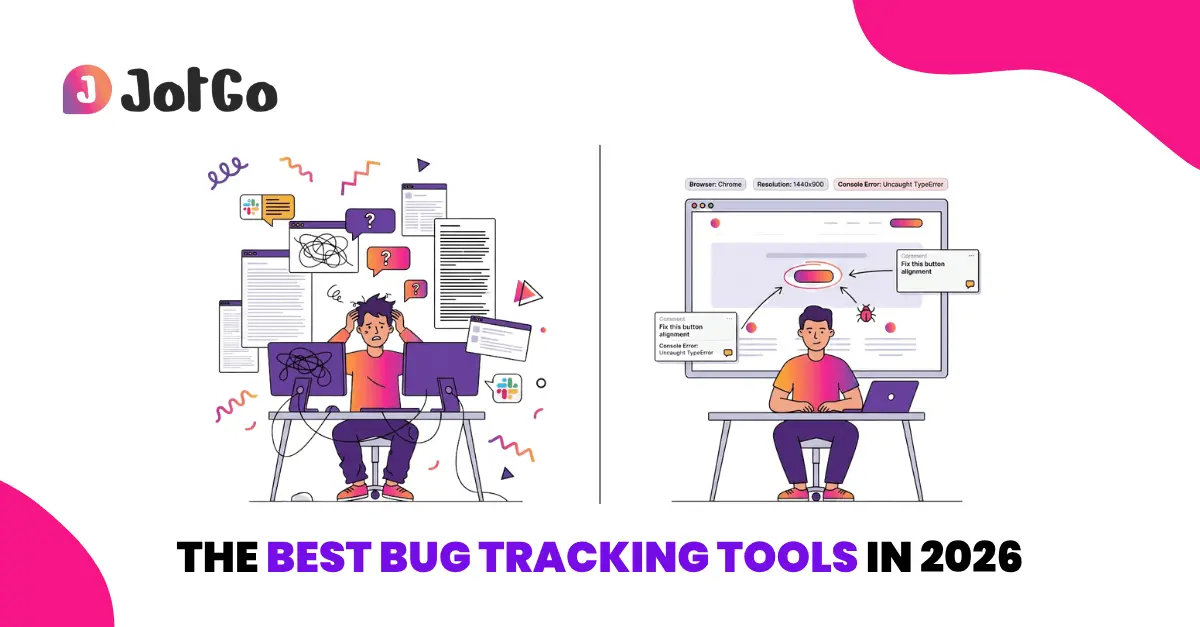
Bug tracking tools exist to end all of that. The problem is there are dozens of them, they all claim to save you time, and very few articles about them are written by people who have actually used one under pressure.
This is an honest rundown of six tools worth your attention in 2026 - what each one is genuinely good at, where it falls short, and who it's actually for.
What to Look For Before Choosing
Before getting into individual tools, a few things actually separate a good one from a mediocre one:
- Capture quality - Does it auto-collect browser, OS, console logs, and network data, or do reporters fill that in manually?
- Workflow fit - Does it push reports into tools your team already uses (Jira, Linear, Zendesk etc.), or does it create a separate silo?
- Who can use it - Is it built for engineers only, or can a QA tester, PM, or client file a useful report without training?
- Visibility - Can you see trends, resolution times, and issue volume over time, or just a list of open tickets?
With that in mind, here are the six tools.
1. Jam.dev - Best for Developer - First Teams
Jam.dev is the tool engineers tend to recommend to each other. Install the Chrome extension, click once when you spot a bug, and you get a shareable link containing a 30-second instant replay, console logs, network requests, reproduction steps, and device specs. No form. No friction.
The AI debugging layer goes further than most: it analyses captured data and suggests likely causes. The MCP integration lets it work directly inside tools like Cursor and VS Code. For pure developer-to-developer bug communication, it's hard to beat.
The free tier (30 Jams/month) makes it easy to try without a budget conversation. The trade-off is that it's genuinely developer-first - if your team includes non-technical reporters who need a more guided experience, it can feel abrupt.
Best for: Engineering-led teams, developer-to-developer bug reporting, teams already deep in the AI coding toolchain.
Pricing: Free tier available (30 Jams/month). Paid plans from $16/user/month.
Worth knowing: 200,000+ users and the strongest brand momentum in this space right now.
The main drawback: non-technical teammates - PMs, designers, QA testers without a dev background - often find the experience too bare-bones.
2. JotGo - Best All - Round Bug Tracking Tool for Mixed Teams
Most bug tracking tools are built with one user in mind. Jam.dev is built for engineers. Marker.io is built for agencies managing clients. BugHerd is built for website teams. JotGo is built for the reality most product teams actually live in: QA engineers, developers, product managers, designers, and non-technical stakeholders all working on the same problems, in the same tool, without anyone needing a manual.
One click captures a screenshot or video with automatic browser, OS, and console log data attached. Non-technical teammates can file a complete, developer-ready report without knowing what a console log is - because they never have to touch one. The interface is clean enough that a designer, an account manager, or a client can get started in minutes. No training session required.
The AI layer condenses raw reports into structured, actionable steps so developers receive something they can act on immediately - not a paragraph of ambiguous description. The reporting dashboard then tracks trends, resolution times, issue categories, and feedback volume across projects, giving QA leads and PMs the visibility they actually need.
On integrations: two-way Jira, Linear, Zendesk etc. sync is included. Bug reports push to Slack too, and GitHub is on the roadmap. The two-way sync means status updates in your project management tool reflect back in JotGo automatically, keeping reporters informed without extra communication overhead - the two-way sync is available on team plans.
Best for: QA teams, product managers, agencies, and any mixed team where both technical and non-technical members need to report, track, and resolve bugs in one place.
Pricing: From $15/user/month (Pro), $20/user/month (Team), Enterprise on request. 14-day free trial, no credit card required.
Worth knowing: Newer to market than most tools on this list, so the public review volume is still building. That said, on features-per-dollar - ease of use, AI insights, reporting dashboard, video capture, and full two-way sync from the entry plan - nothing else in this roundup comes close at this price point.
3. Marker.io - Best for Agencies Managing Client Feedback
Marker.io has been the go-to for web agencies for years, and it earns that reputation. Embed a widget on any website, and clients can annotate issues directly on the page with no account required. Every submission auto-captures browser, OS, URL, console logs, and session replay. Reports push straight into Jira, Asana, Trello, GitHub, and more.
The client experience is genuinely frictionless. For agencies running several projects simultaneously where stakeholders need visibility without being handed Jira logins, it works well.
The pricing story has become more complicated recently. Essential features like two-way sync have moved to higher tiers - what previously came with the entry plan now requires the $149/month Team plan. Console log capture and session replay sit behind the same paywall. For smaller agencies, that's a significant jump from the $39/month Starter.
Best for: Digital agencies, web development teams, client-facing QA workflows.
Pricing: Starter $59/month (3 seats), Team $199/month (15 seats) and Business (custom). 15-day free trial, no credit card required.
Worth knowing: Strong integration depth at the Team tier and above.
The main drawback: the pricing structure punishes smaller teams - the entry plan is too limited to be genuinely useful for most agency workflows, meaning the realistic starting cost is $149/month, not $39.
4. BugHerd - Best for Simple, Website-Focused Bug Tracking
BugHerd has been around since 2011 and has a loyal following among web agencies for good reason. The feedback mechanism is immediate: clients click directly on a page element, type a comment, and BugHerd creates a task with automatic screenshot, browser, OS, and URL data attached. No extension installation needed for guest reporters.
The built-in Kanban board is basic but functional. Every plan includes unlimited projects and unlimited guests - a meaningful advantage for agencies managing multiple client relationships. The Standard plan starts at $39/month for 5 team members, and per-member pricing stays predictable as you scale.
The limitations are real: it's website-only, console log capture isn't available on the entry plan, and the product development pace is slower than newer entrants. If you need to track bugs in a web application with complex technical requirements, you'll hit its ceiling quickly.
Best for: Web agencies, freelancers, and teams doing website QA with non-technical clients.
Pricing: Standard $50/month (5 users), Studio $80/month (10 users), Premium $150/month (25 users) and Custom for enterprise. 7-day free trial.
Worth knowing: Unlimited guests on all plans is a genuine plus.
The main drawback: it's strictly a website feedback tool - no support for web apps, no console log capture on entry plans, no AI features, and no reporting dashboard. Teams whose needs grow beyond basic website QA will outgrow it.
5. Userback - Best for SaaS Teams Managing Bugs and User Feedback Together
Userback sits in a slightly different category. It started as a visual feedback tool and has evolved into a broader product feedback platform - combining bug reporting, in-app surveys, session replay, feature request portals, and a reporting dashboard.
For product teams that want to consolidate user bug reports and feature feedback in one place rather than running separate tools, that breadth is genuinely useful. The sentiment analysis and feedback categorisation features go beyond what most pure bug trackers offer.
The trade-off is complexity. If you need clean bug capture and a fast developer handoff, Userback can feel like more tool than the job requires. It's better suited to SaaS product teams managing a full feedback loop than to QA-focused teams wanting structured defect capture above all else.
Best for: SaaS product teams managing bug reports and user feedback together.
Pricing: Team $9/month (per seat), Business $15/month (per seat), Business Plus $23/month (per seat)
Worth knowing: Strong on feedback management and roadmap features.
The main drawback: the platform's breadth is also its weakness for focused QA teams - onboarding takes longer, the interface has more moving parts, and teams who just need structured bug capture with a clean developer handoff often find it over-engineered for that specific job.
6. Ybug - Best Budget Option for Small Teams
Ybug doesn't get the attention that Marker.io or BugHerd do, but for small teams and freelancers it's a serious contender. Embed a feedback widget, and users submit annotated screenshots with browser, OS, screen size, URL, and console logs attached automatically. No login required for guest reporters. Setup takes minutes.
The integration list covers Jira, Slack, ClickUp, GitHub, Asana, and Basecamp. There's a free plan for basic use. There's no session replay, AI debugging, or reporting dashboard - but for teams whose requirements are straightforward, those aren't deal-breakers yet.
Best for: Freelancers, small agencies, and early-stage product teams that want solid visual bug capture without the overhead.
Pricing: Free plan available. Paid plans from €10/month. Basic €13/month, Startup €29/month, Company €59/month.
Worth knowing: Lowest entry price on this list for a tool that genuinely covers the fundamentals.
The main drawback: it's a starter tool, and it feels like one. No AI features, no reporting, no workflow visibility, and limited scalability for teams that grow. Fine for now - but plan for the fact that you'll likely revisit this decision in 12 months.
How They Compare at a Glance
Which Tool Is Right for Your Team?
The table makes the core trade-offs visible, but here's the plain-language version.
If your team is mixed - QA testers, developers, PMs, and the occasional non-technical stakeholder all filing and tracking bugs together - JotGo is the most complete tool at this price point. Two-way Jira sync on every plan, a reporting dashboard that tracks what's actually happening across your QA cycle, video capture, AI-structured reports, and an interface that anyone on the team can pick up without a walkthrough. That combination doesn't exist elsewhere on this list without paying significantly more.
If your team is engineering-heavy and speed of developer communication is the priority above everything else, Jam.dev is the right call. Just go in knowing it wasn't designed for the rest of your team.
For agencies managing client website feedback with non-technical reviewers, Marker.io remains the most polished option - but map your required features to the pricing tiers before committing. BugHerd is the leaner, more predictably priced alternative if your needs are genuinely website-only.
Userback is the pick if you're a SaaS product team already paying for both a bug tool and a separate feedback tool and want to consolidate. Ybug is the right starting point if budget is hard-constrained and your requirements are simple - with the understanding that it's a first step, not a long-term platform.
Most teams outgrow their first bug tracking tool. The smarter move is to pick the one that fits your current team composition and workflow, and let actual usage tell you when it's time to move up.
Worth Trying Before Your Next Release
If structured bug capture, AI-organised reports, and a dashboard that shows what's actually happening across your QA cycle sounds like what your team needs - JotGo's trial gives you the full picture.
Disclaimer: The information in this article - including pricing, features, and product descriptions for all third-party tools - is based on publicly available sources at the time of writing and is provided for informational purposes only. Pricing and features change frequently; always verify current details directly on each vendor's official website before making a purchasing decision. JotGo has no commercial relationship with any of the third-party tools mentioned, and their inclusion does not constitute an endorsement. All product names and trademarks are the property of their respective owners.
Frequently asked questions
For mixed teams of QA engineers, PMs, and developers, JotGo offers the strongest combination of ease of use, capture quality, AI insights, two-way Jira sync on all plans, and reporting visibility. For developer-first teams, Jam.dev. For agencies managing client website feedback, Marker.io or BugHerd.
Bug reporting is capturing and documenting a defect. Bug tracking manages it through a workflow - from reported to in progress to resolved. Most modern tools handle both, though some lean more toward one than the other.
Yes. Jam.dev has a permanent free tier (30 Jams/month). Ybug has a free plan. Most paid tools offer free trials ranging from 7 to 15 days.
All six tools on this list integrate with Jira. Two-way sync - where status updates in Jira reflect back in the bug tool automatically - is worth checking before you commit. JotGo includes it on all plans. Marker.io requires the $149/month Team plan.
JotGo is the strongest option for teams with mixed technical backgrounds - anyone can file a complete, developer-ready report in one click with no training. BugHerd and Marker.io also handle non-technical guest reporters well for website-specific feedback.
Ready to cut triage time in half?
Capture every bug with screenshots, session replay, severity tracking, and rich debugging data - all free to get started.
Start Free